How eSIM Works — Complete Guide
An eSIM is a digital SIM embedded in your device. Here is everything you need to know about how it works and how to set it up for your North American trip.
What is eSIM Technology?
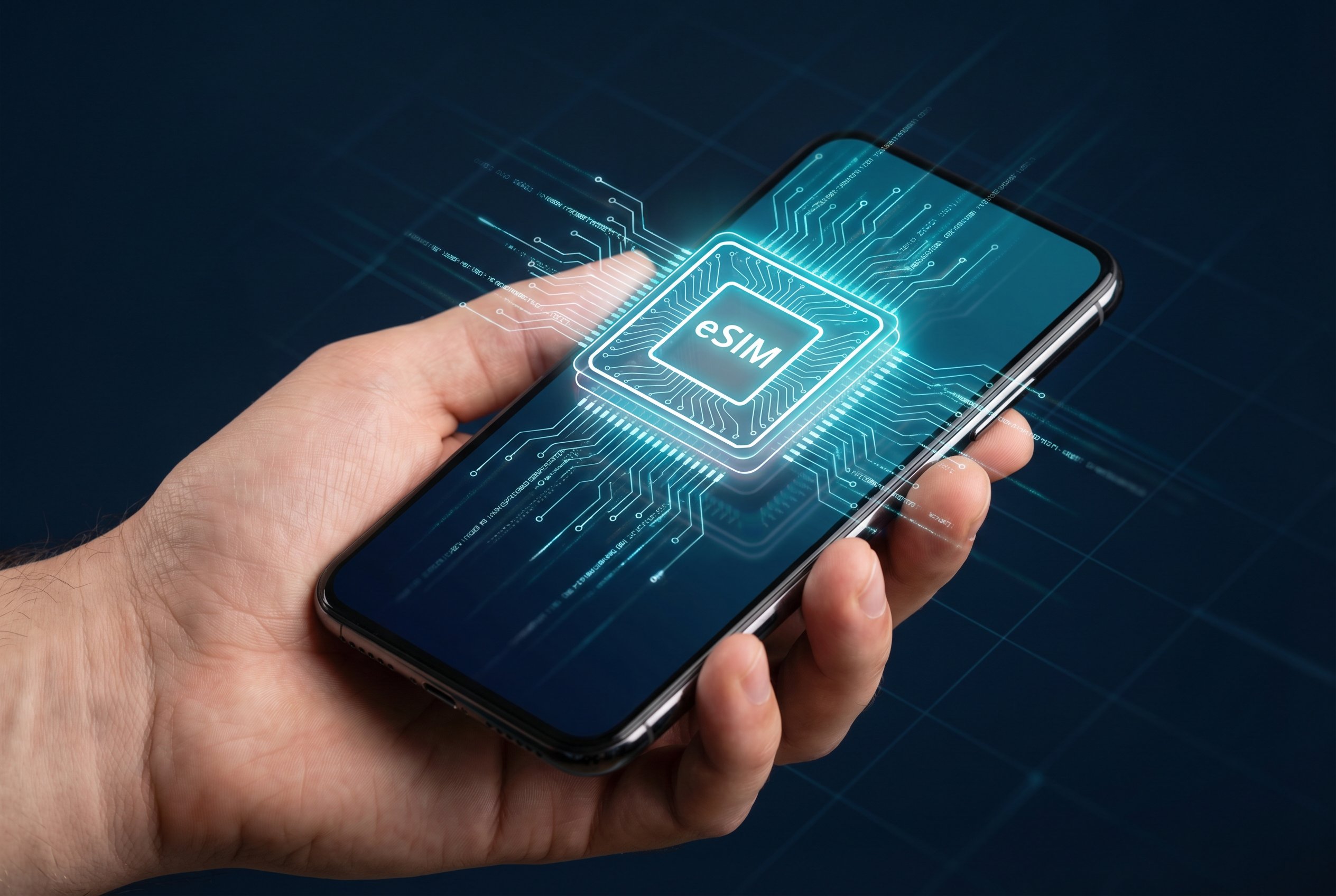
eSIM stands for embedded Subscriber Identity Module. Unlike a traditional nano-SIM card that you physically insert into your phone, an eSIM is a tiny chip soldered directly onto your device's motherboard during manufacturing.
The eSIM can be programmed remotely with carrier profiles, meaning you can switch between mobile plans without ever touching a physical card. This technology was standardized by the GSMA and has been widely adopted since 2018.
Step-by-Step: Activating Your eSIM
Verify Device Compatibility
Go to Settings > General > About on iPhone or Settings > Connections > SIM Manager on Android. If you see an option to add an eSIM or digital SIM, your device is compatible.
Purchase an eSIM Plan
Choose a plan from a reputable eSIM provider (Airalo, Holafly, Nomad, etc.). Select your destination (USA, Canada, or both) and preferred data amount.
Install the eSIM Profile
You will receive a QR code via email. On iPhone: Settings > Cellular > Add eSIM > Use QR Code. On Android: Settings > Connections > SIM Manager > Add eSIM.
Configure Data Settings
Set the eSIM as your data line and enable Data Roaming in your cellular settings. Keep your primary SIM for calls and texts if needed.
Arrive & Connect
When you arrive in the USA or Canada, your eSIM will automatically connect to the local network. You should see signal bars within seconds of landing.
Pro Tips for Best Experience
- • Install your eSIM while connected to Wi-Fi before your flight
- • Always enable Data Roaming for your eSIM line
- • Disable automatic app updates to save data
- • Download offline maps before your trip
- • Keep your QR code email saved in case you need to reinstall